
How to fix grainy photos
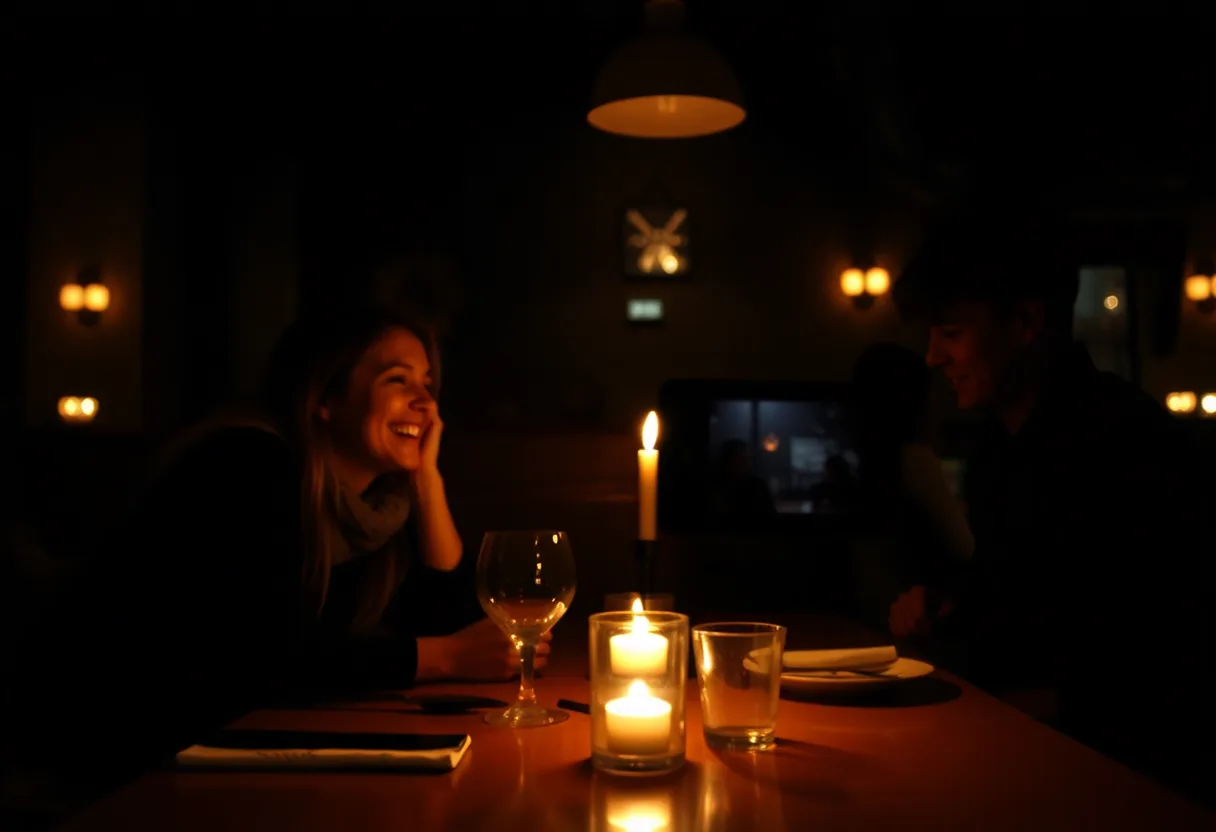
Grain in a recent phone photo is digital noise from shooting in low light. Noise reduction handles it well, as long as the same pass rebuilds the detail that smoothing would otherwise erase.
Noise, not blur
In a dark room a phone sensor collects very little light, so the camera turns its sensitivity up. That amplifies random variation between pixels, which shows as coloured speckles in the shadows and a sandy texture over faces. Phones already apply their own noise reduction, which is why heavily processed night shots often look smeared and grainy at once. Film grain on an old print is a different thing: it is the structure of the film, and part of the photograph’s character.
What to run, and in what order
Run the general enhance. It reduces noise and rebuilds edges together, which is the point: a plain noise filter smooths faces into wax, and sharpening a noisy photo first makes the speckles worse. For grain on a scanned film print, use Repair instead and leave some grain in, since removing all of it makes an old photograph look painted.
The tool for this is Unblur photo.

What to expect
Usually fixable. Moderate noise from indoor and evening shots clears well. A photo taken in near darkness, where noise is most of the picture, comes back cleaner but soft.
Practical notes
- Use Night mode where your phone offers it: it merges several frames and starts with far less noise
- Zooming in on a dark scene multiplies the noise, so step closer instead
- Judge the result in the shadows, not the highlights, because that is where noise hides
Questions
How do I make a grainy photo clear on iPhone?
The Photos editor has a Noise Reduction slider under Adjust, which helps with mild grain. For heavier noise, an AI enhancer does better, because it rebuilds detail while it smooths instead of only blurring the speckles.
Should I remove film grain from old photos?
Usually only partly. Grain is how film records an image, and removing all of it makes a scanned print look artificial. Reduce it where it hides detail, such as on faces.
Going deeper
How to make a blurred picture clear explains the method behind this, including what it cannot fix.