
Fixing blurry concert photos
Moving performers, coloured stage light, and a phone holding the shutter open too long.
Why concert photos come out this way
Stage lighting is bright on the performer and near-black everywhere else, which pushes phone cameras into a long exposure and a high sensitivity setting at once. The result carries motion blur and heavy noise together, and the two interact badly.
What to run, and in what order
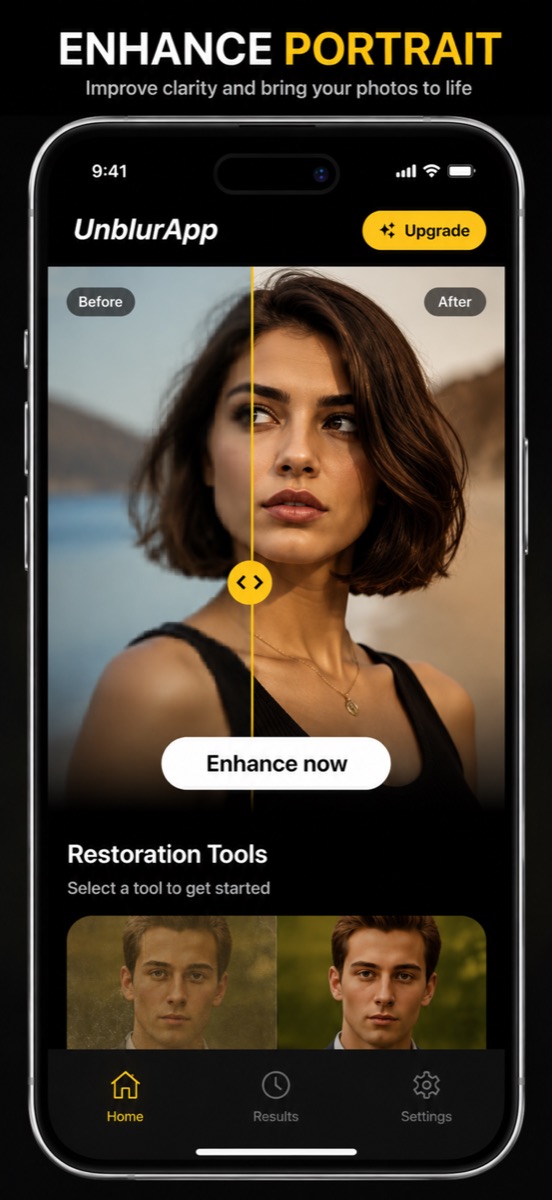
Enhance handles the blur and the noise in a single pass, which matters because sharpening a noisy photo separately amplifies the grain. Coloured stage lighting also tends to survive processing intact, so the atmosphere of the shot is usually preserved.
The tool for this is Unblur photo.
Practical notes
- Pick the frames where the performer was briefly still, not mid-movement
- Wide shots of a lit stage recover better than zoomed shots of a face
- Digital zoom used at the time is the real damage: it discarded detail before the file was even saved
Questions
Can heavily zoomed concert photos be fixed?
Partly. Digital zoom crops and enlarges before saving, so the detail was gone at capture. Upscaling helps more than deblurring here.
Will processing ruin the stage lighting?
No. Coloured lighting is part of the scene and comes through the enhancement intact.
Going deeper
How to make a blurred picture clear explains the method behind this, including what it cannot fix.