
Restoring a photo for a funeral or memorial
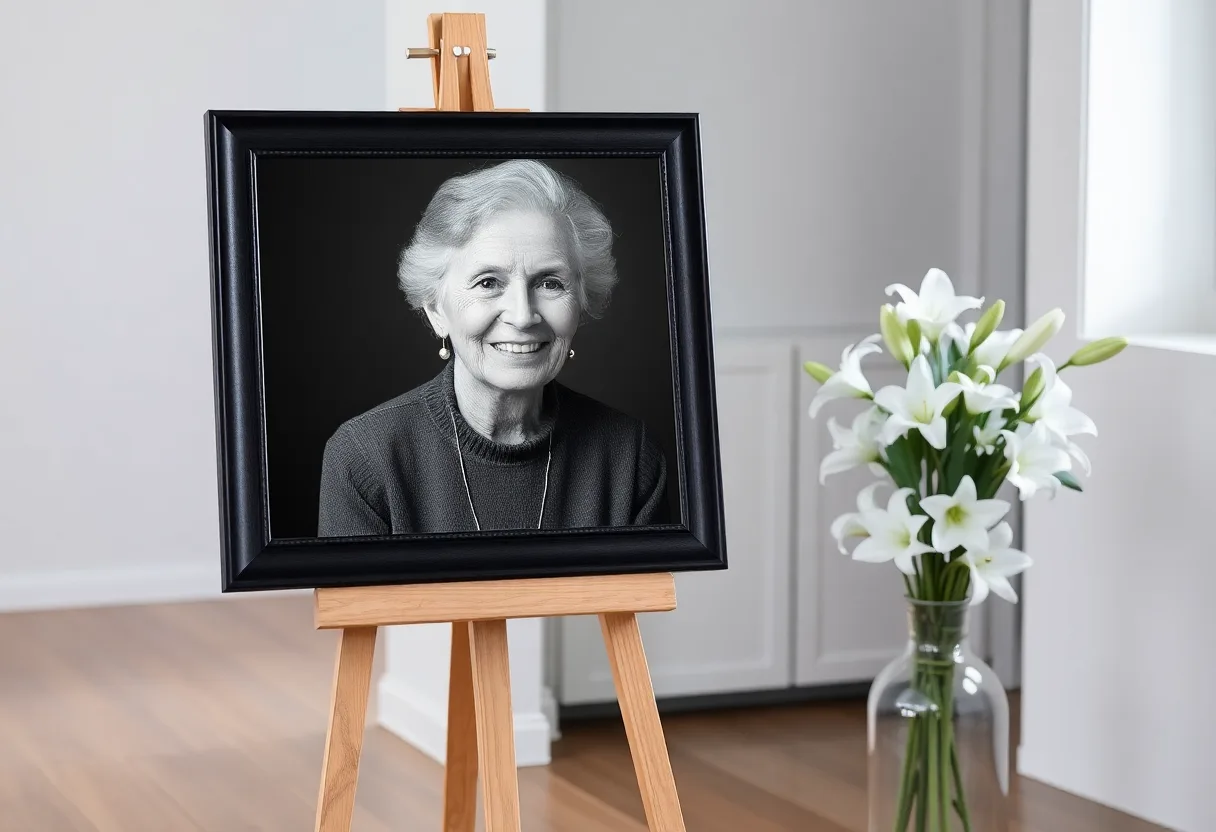
There is usually a day or two, and one photograph everyone agrees on. Find the best copy of it, restore it on your phone, and check it at the size it will be printed before it goes to the printer.
Why the chosen photo is rarely a good one
The picture people want is the one that looks most like the person, not the one with the best quality. It is often a crop from a group photo, a snapshot from a party, or a decades-old print, and the service needs it enlarged far beyond the size it was taken at. A face that looks fine on a phone turns soft and blotchy at 40 centimetres tall on an easel.
Getting a good capture
- If the photo is a print, take it out of its frame and glass and photograph it flat, rather than shooting through the glass
- If it is on someone’s phone, ask them to send the original by email or a file link, not through a chat app that compresses it
What to run, and in what order
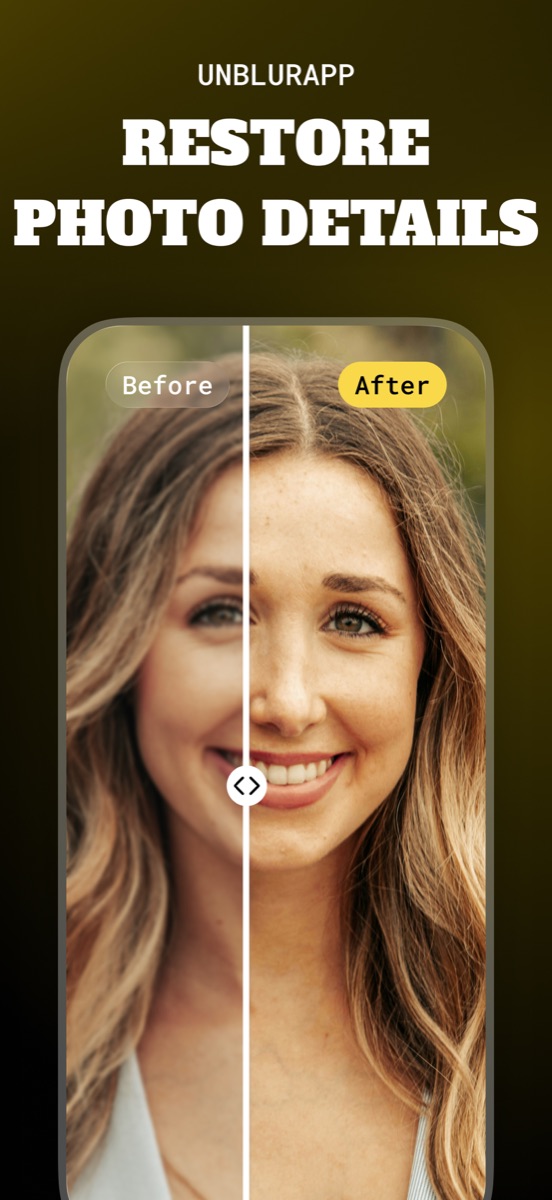
Start with Restore Faces, since the face is the whole point of a memorial portrait, then upscale so the file is large enough for the display print. If the photo is an old print, run Repair first for fading and damage. Keep the restoration light: family members will notice if the face looks smoother or younger than the person they knew.
The tool for this is Restore faces in a photo.
What to expect
Usually fixable. A clear snapshot enlarges well for an order of service or a framed print. A tiny face cropped from a distant group photo improves, but at poster size may still look soft, so consider a smaller display print.
Practical notes
- Show the restored photo to someone who knew the person well before it goes to print
- Restore for the largest use: an easel print needs far more resolution than an order of service
- Keep the unrestored original too, because some relatives will prefer it
Questions
What resolution does a funeral display photo need?
For a 40 x 50 cm easel print seen from a few steps away, roughly 2,400 by 3,000 pixels is enough. An order of service needs much less. Upscaling a smaller file gets you there if the face was clear to begin with.
Can I use a face cropped from a group photo for a funeral?
Yes, it is very common. Restore the face, then upscale the crop. If the face was very small in the original, choose a smaller print size so it stays sharp.
Going deeper
Printing and enlarging restored old photos explains the method behind this, including what it cannot fix.