
How to unblur a photo in CapCut
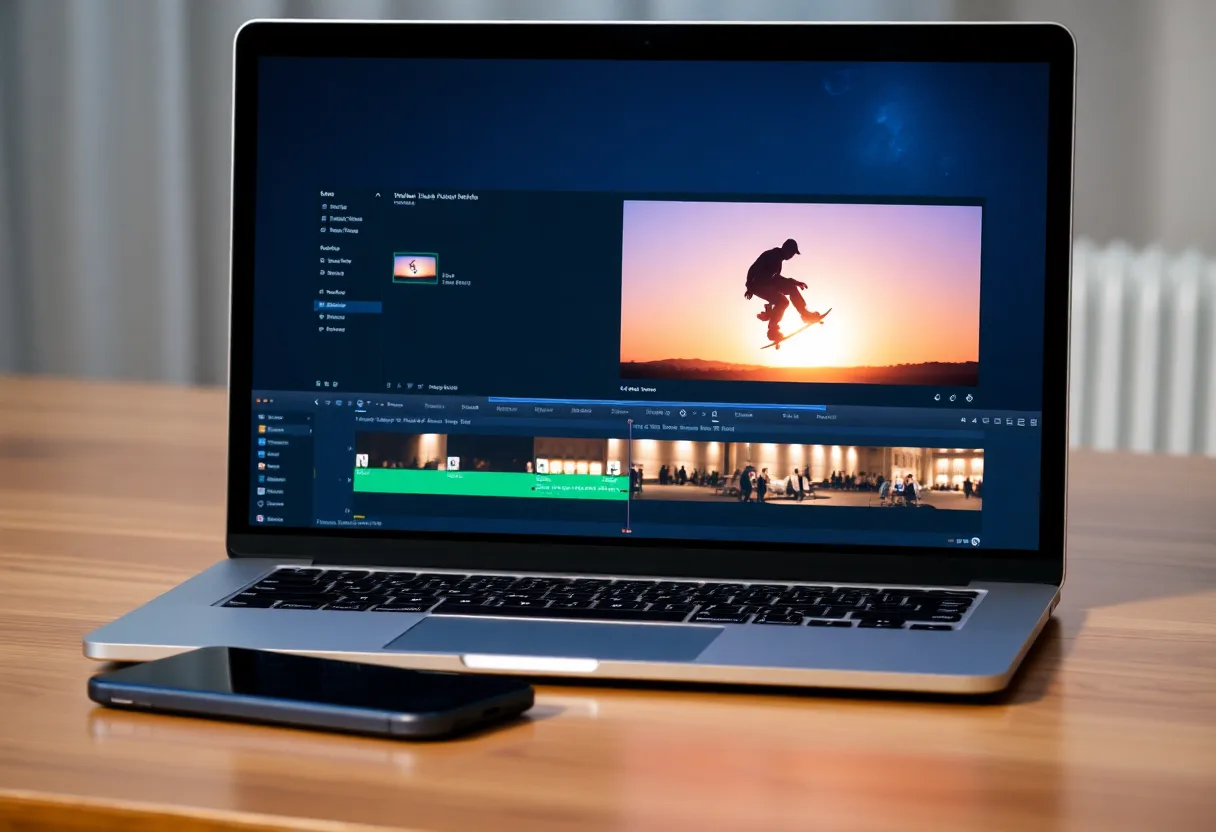
CapCut is a video editor, but its web tools include an AI image upscaler that sharpens soft and low-resolution photos at 2x or 4x. It suits pictures that are small or compressed better than pictures that are genuinely out of focus.
Using CapCut’s image upscaler
The upscaler runs in the browser on CapCut’s website. The steps follow the web version, and CapCut renames its menus often.
- Open the image upscaler
On CapCut’s website, open the AI tools and choose the image upscaler.
- Upload the photo
Pick the image from your device, or from Google Drive, Dropbox or CapCut’s own cloud storage.
- Choose the scale
Pick 2x for a mildly soft photo and 4x for a small one. Larger is not always better: 4x on a photo that is already big mostly enlarges the blur.
- Adjust, then export
Correct light and contrast if needed, add gentle sharpening last, then download and compare it with the original at the same size.
Where it stops. Upscaling generates detail for a small or compressed image. It does not reverse motion blur or a missed focus, where the edges were smeared rather than lost.
Photos inside a video project
If the photo is part of a video edit, fix it as an image first and then import the improved file into the project. Sharpening inside the timeline treats it like a video frame, and a clean source file holds up better when the clip zooms in.
When a dedicated app is the better route
CapCut is convenient when you are already editing a video there. For photos taken out of focus, blurry faces and old prints, a dedicated photo app with separate deblur, face and repair models does more, and runs on the phone where the photo already lives.
The tool to start with is Upscale an image to HD.
Questions
Can CapCut unblur a picture?
It can improve one. CapCut’s AI image upscaler sharpens small, soft and compressed photos at 2x or 4x. It is less effective on photos that were out of focus or blurred by movement.
Does CapCut add a watermark to upscaled photos?
CapCut’s own guide says upscaled images export without a watermark. Free and paid limits change, so check before processing a large batch.
Going deeper
Remove blur from a photo online, free covers the method in more depth, including the cases no tool can fix.