
How to unblur a photo in Photoshop
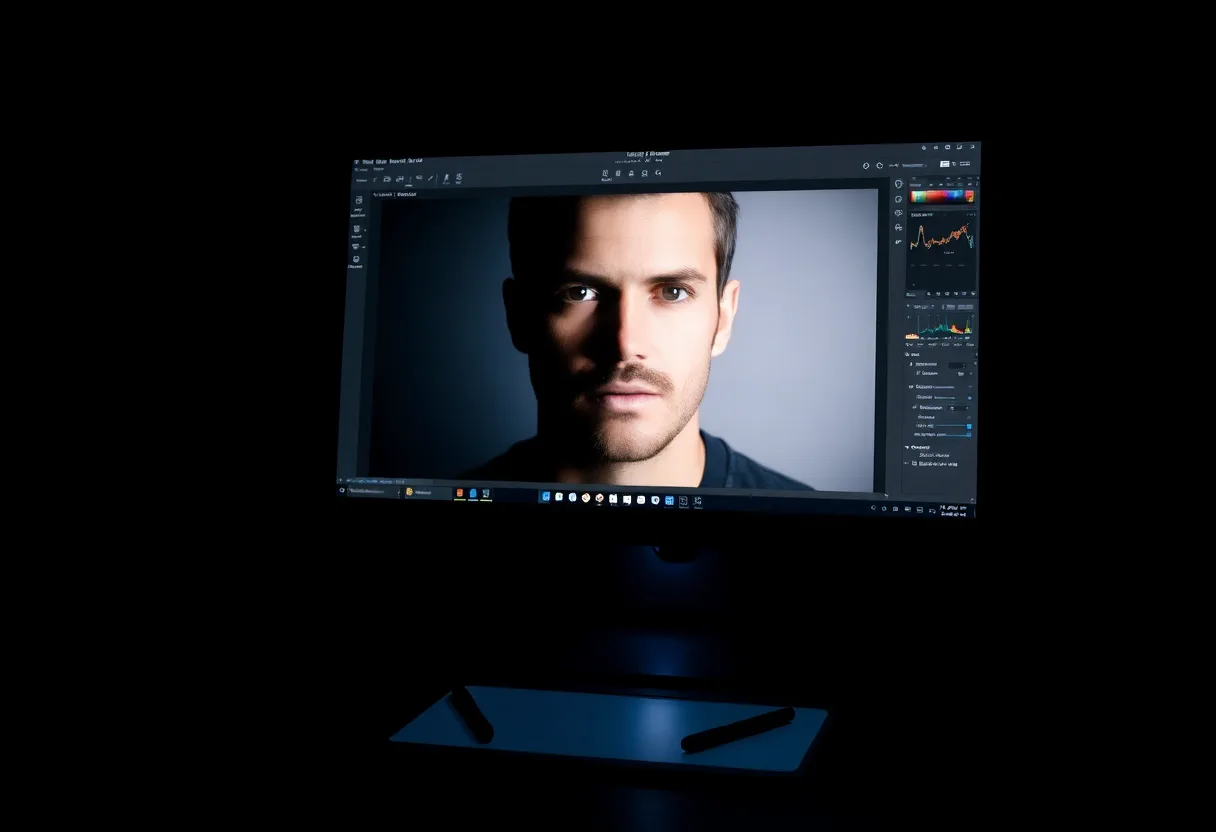
Photoshop’s Shake Reduction filter was removed in version 23.3, so current versions rely on Smart Sharpen and the high pass method for blur, and on the Photo Restoration neural filter for old prints. They work, with practice.
Smart Sharpen, step by step
Smart Sharpen is the closest thing Photoshop now has to a deblur filter, because it can target a specific kind of blur.
- Duplicate the layer
Press Ctrl+J, or Cmd+J on a Mac, so the sharpening sits on its own layer and can be masked or dialled back.
- Convert it to a Smart Object
Right-click the layer and choose Convert to Smart Object, which keeps the filter editable afterwards.
- Open Smart Sharpen
Go to Filter, Sharpen, Smart Sharpen. Set Remove to Motion Blur for camera shake and match the angle to the direction of the smear, or to Lens Blur for missed focus.
- Set amount and radius
Start around 100 to 150 percent with a radius of 1 to 2 pixels, then raise the radius until edges firm up without halos. Use Reduce Noise to keep grain in check.
- Mask it
Add a layer mask and paint the sharpening out of skies and skin, where it only adds noise.
Where it stops. Sharpening can only reorganise detail that survived. A strong smear, a face a few pixels wide, or a heavily compressed image produces halos and noise rather than detail, however carefully the settings are tuned.
The high pass method
For gentle overall crispness, duplicate the layer, run Filter, Other, High Pass at a radius of 2 to 4 pixels, and set the layer’s blend mode to Overlay or Soft Light. Lower the opacity until it looks natural. It is subtle, reversible and easy to mask.
Old prints: the Photo Restoration neural filter
For scans of old photos, Filter, Neural Filters, Photo Restoration handles overall enhancement, face detail and scratch reduction. Scratch reduction is off by default, so raise it if the print is scratched. Users have found the results uneven between releases, so run it on a duplicate layer and finish with the Remove tool.
What happened to Shake Reduction
Adobe removed Filter, Sharpen, Shake Reduction with Photoshop 23.3 in 2022, saying it was not compatible with newer development platforms. Tutorials that still mention it are out of date, and Photoshop Elements has since dropped it too.
When a dedicated app is the better route
Photoshop rewards skill and time, and for one important photograph that is worth it. For a batch of family snapshots, a blurry face, or an old print you want to send to a relative tonight, a phone app with dedicated deblur and face models gets most of the way in a minute, without layer masks.
The tool to start with is Unblur photo.
Questions
Does Photoshop still have Shake Reduction?
No. Adobe removed the Shake Reduction filter in Photoshop 23.3 in 2022. Smart Sharpen with Remove set to Motion Blur is the closest replacement in current versions.
What is the best way to unblur a face in Photoshop?
Sharpen gently with Smart Sharpen or high pass, mask it to the eyes, brows and mouth, and leave skin alone. For an old portrait, try the Photo Restoration neural filter’s face enhancement first.
Going deeper
How to make a blurred picture clear covers the method in more depth, including the cases no tool can fix.