
Deblur text in an image
Recover readable words from a photo of a whiteboard, receipt, sign or page.
What this tool does
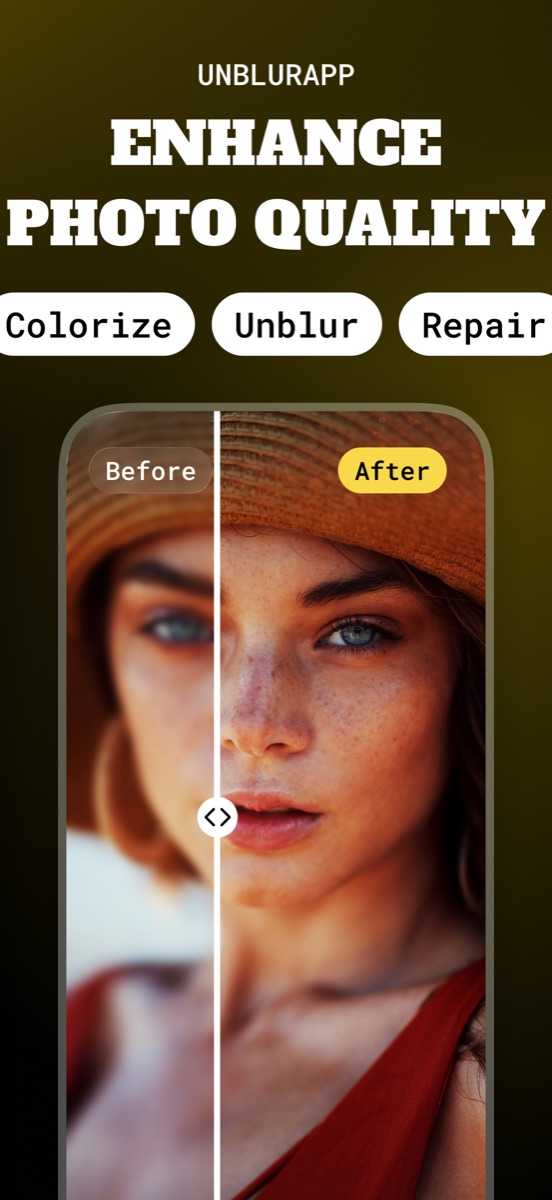
Text responds to enhancement differently from faces or landscapes. The model has seen enormous quantities of printed characters, so it reconstructs letterforms with the shapes characters actually have instead of simply hardening a smudge. On a slide photographed from the back of a room, that is often the difference between guessing and reading.
Good for
- Whiteboards and projected slides shot from a distance
- Receipts and invoices photographed in a hurry
- Street signs, menus and shop names in travel photos
Where it stops working
Where a line of text has dissolved into an even grey band, the letters are gone and anything produced there is invented. Never rely on a reconstructed digit in an amount or a serial number without checking the original.
Questions about deblur text
Can it read handwriting?
Sometimes. Print is far more reliable because letterforms are consistent, while handwriting forces the model to guess at ambiguous strokes.
Is the recovered text trustworthy?
Treat it as a strong hint, not a source. A blurry 3 can come back as an 8, which matters on an invoice and does not on a shop sign.
Read the full guide
How to deblur text in an image covers the method in detail, including the cases where this tool is the wrong choice.