
Unpixelate an image
Rebuild photos that compression turned into blocks, rather than making the blocks crisper.
What this tool does
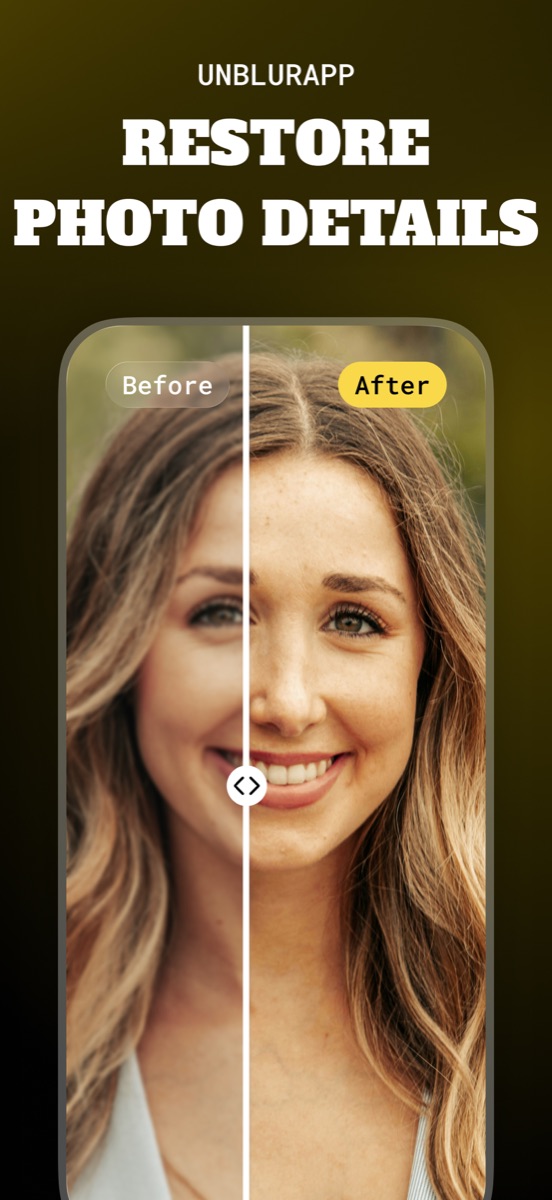
Pixelation is missing information, not misplaced information, which is why sharpening a pixelated photo produces something resembling stained glass. The fix is to generate what the encoder discarded, using the surrounding shapes as context.
Good for
- Photos degraded by being forwarded through several chats
- Screenshots taken on a small display and enlarged
- Images downloaded from old websites
Where it stops working
Deliberate pixelation, the kind used to obscure a face or a licence plate, is designed to destroy information permanently. Any legible result produced there has been invented.
Common situations
Questions about unpixelate image
Why did my photo get pixelated in the first place?
Messaging apps recompress images at every hop. Four forwards can take a 12-megapixel photo down to a few hundred kilobytes of approximation.
Can I get the original quality back?
Not exactly. You get a plausible reconstruction. Tracking down a less-forwarded copy always beats processing.
Read the full guide
How to unpixelate an image covers the method in detail, including the cases where this tool is the wrong choice.