
Restoring faded Polaroids
Instant film ages differently from ordinary prints, and it needs a different capture.
Why polaroids come out this way
Polaroid chemistry keeps developing for years after the picture is taken. Colours drift toward orange or green, contrast flattens, and the image often shifts overall rather than fading evenly. The glossy surface then reflects everything in the room when you try to photograph it.
What to run, and in what order
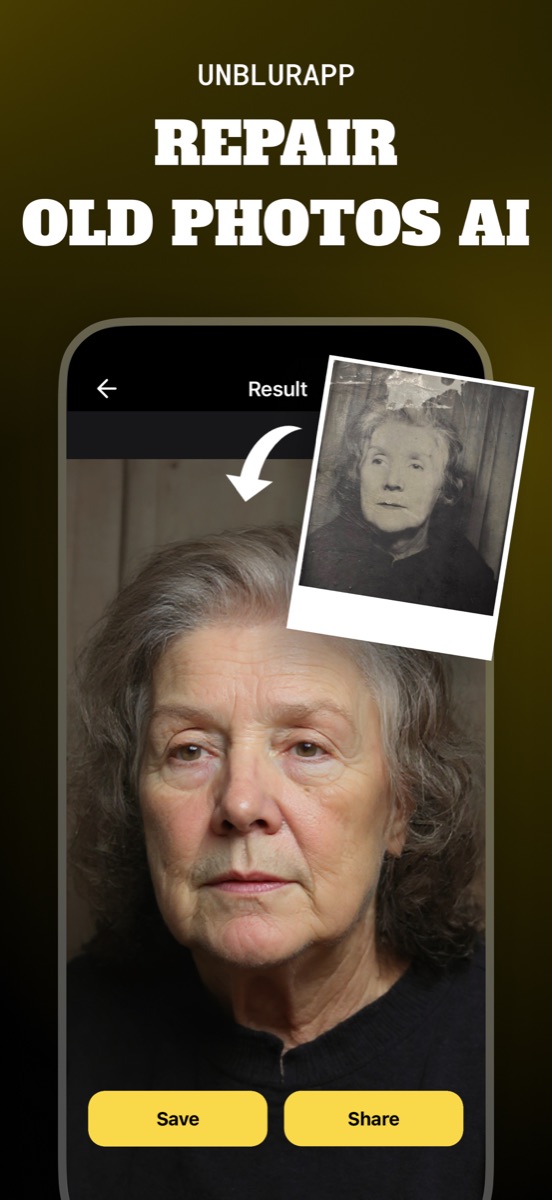
Capture matters more here than with any other print type. Once you have a clean, reflection-free copy, Repair handles the colour cast and flat contrast in one pass, and the small original size makes the 4x upscale worth running.
The tool for this is Restore old photos.
Practical notes
- Photograph at a slight angle to the light, never straight into a window, or the gloss mirrors the room
- Include the white border in the capture, then crop after processing
- Instant photos are small, so upscaling has more to add here than on a 6x4 print
Questions
Why do my Polaroids look orange?
The dye layers in instant film degrade at different rates, so the balance shifts as the print ages. Repair corrects the cast along with the flattened contrast.
Should I peel or open the Polaroid to scan it?
No. Opening the casing destroys the image. Photograph the surface as it is.
Going deeper
How to restore old photos explains the method behind this, including what it cannot fix.