
Fixing blurry wedding photos
Reception shots are the classic case: dim rooms, moving people, and no chance of a retake.
Why wedding photos come out this way
Receptions are lit for atmosphere, not for cameras. A phone compensates by holding the shutter open, and anyone dancing turns into a smear. Guest photos suffer worst, since they are taken handheld from a distance with digital zoom on top.
What to run, and in what order
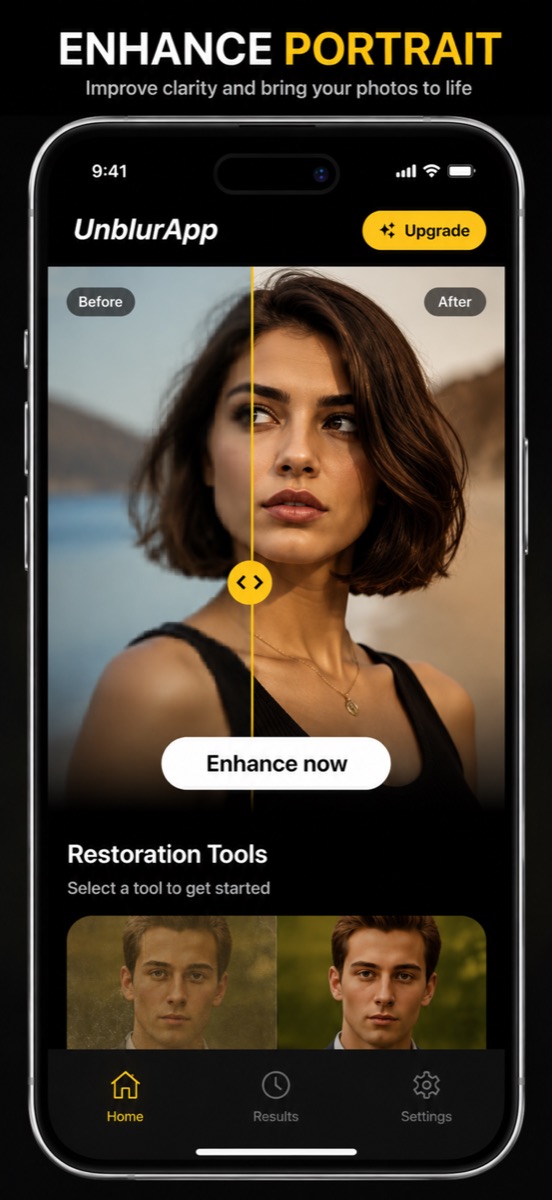
Run the general enhance first to recover overall edge detail, then run Restore Faces on the frames where people are the point. Doing faces separately matters at a wedding, because these are photographs people will look at closely for decades.
The tool for this is Restore faces in a photo.
Practical notes
- Collect the originals from guests rather than the copies sent in a group chat, which have been recompressed
- Prioritise the shots nobody else got: the toast, the first dance, the grandparents
- Check the eyes at full zoom before sharing a restored photo with the couple
Questions
Can a completely blurred first dance photo be saved?
If you can still make out who is in it, usually yes. If it is a featureless smear of light, the information was never recorded.
Should I fix the photographer’s files or the guest photos?
Guest photos, generally. A professional’s files are already sharp; the recoverable material is in the phone shots of moments the photographer missed.
Going deeper
How to unblur a photo on your iPhone explains the method behind this, including what it cannot fix.