
Restoring old photo negatives
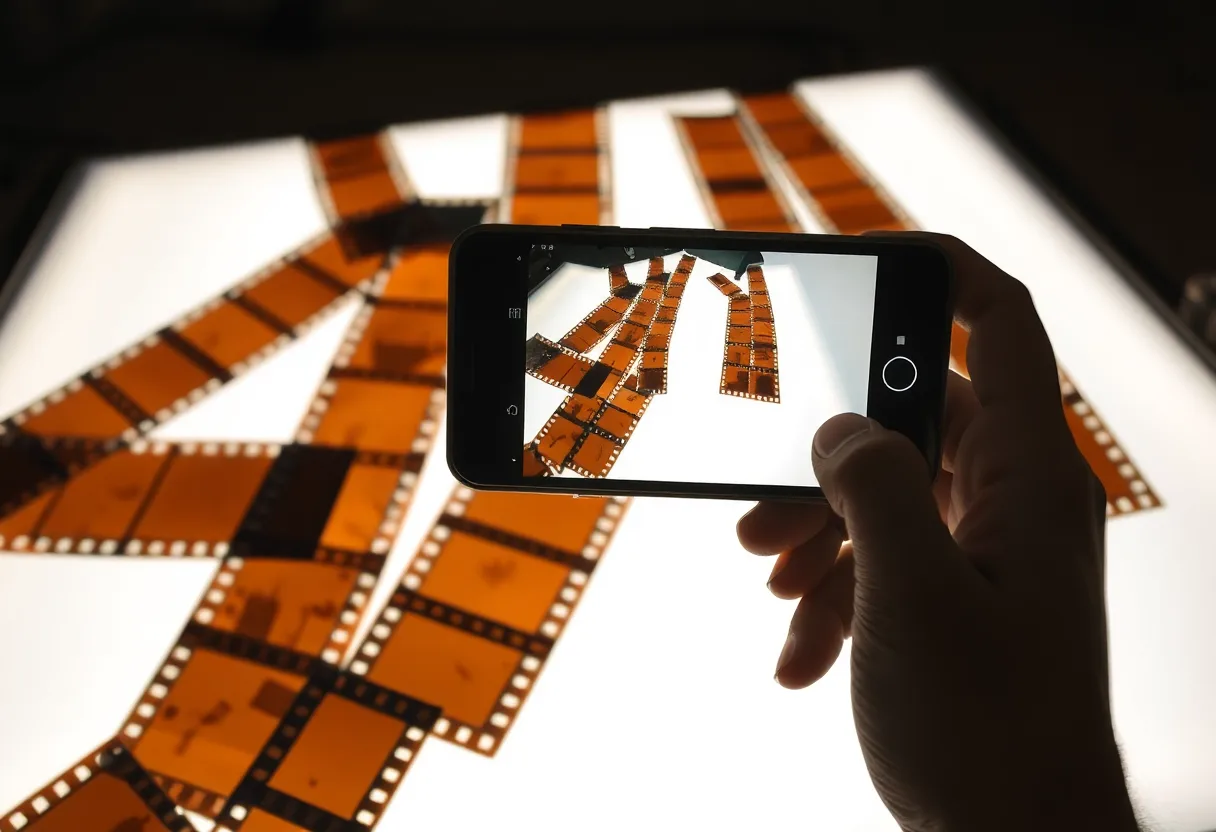
A negative often holds more detail than the print made from it, and it may have survived when the prints did not. Capture it backlit, invert it, and restore the positive.
Why negatives are worth the effort
Prints were made quickly at a lab and often cropped, so the negative frequently shows more of the scene than the print you remember. Negatives were also kept in envelopes away from the light, which spared them the fading that ruined prints on the wall. Their problems are different: scratches from handling, dust, curl, and on colour film an orange base that makes everything look strange until it is removed. Old acetate film can also shrink, warp and smell of vinegar as it decays.
Before you photograph it
- Handle negatives by the edges, ideally in cotton gloves; fingerprints etch into the film over time
- If a strip smells strongly of vinegar or looks warped and bubbled, store it apart from your other film and capture it soon
- Negatives from before the 1950s may be nitrate film, which is flammable: keep them cool and away from heat and light
Getting a good capture
- Backlight the strip on a tablet or light pad showing plain white, flattened under a clean sheet of glass
- Photograph each frame so it fills the phone screen, with the phone parallel to the film
- Invert the capture into a positive with a negative-scanning app or any editor that has an invert option, then restore that positive
What to run, and in what order
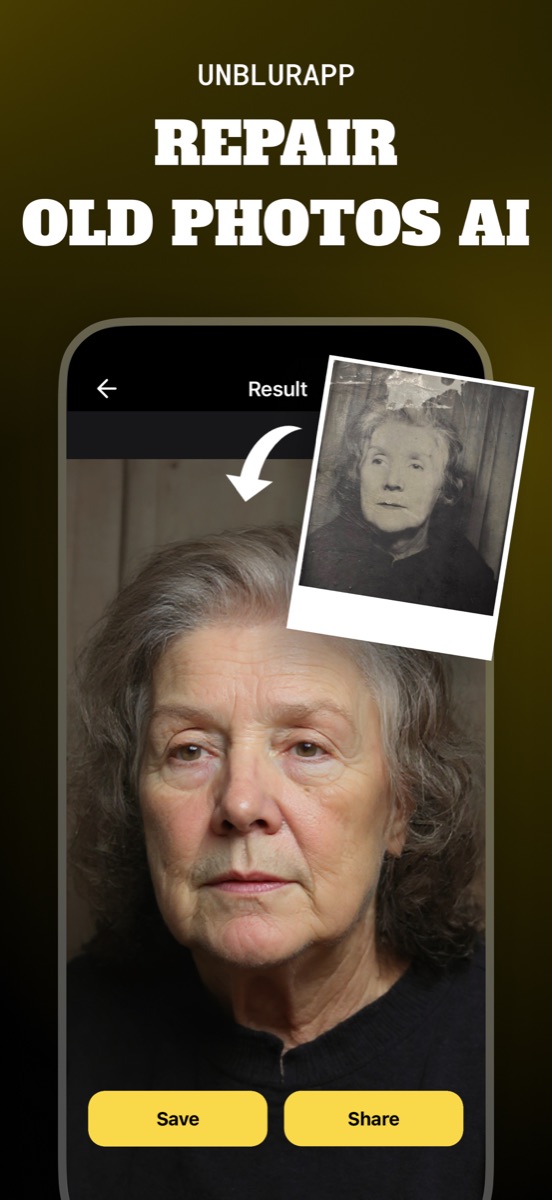
Restore the inverted positive, not the raw negative. On colour film the inversion leaves a strong blue or cyan cast from the orange base, and Restore Old Photos neutralises that cast along with the contrast. Scratches on the film show as bright lines once inverted, and Repair fills them.
The tool for this is Restore old photos.
What to expect
Usually fixable. Black and white negatives often come back sharper than any surviving print. Colour negatives need careful colour correction, and badly decayed acetate may carry distortion that cannot be undone.
Practical notes
- Use the frame numbers printed along the edge to keep the order of a roll
- Capture the whole strip once as a reference before photographing frames one at a time
- If you have both the print and the negative, restore from the negative
Questions
Can you turn old negatives into photos with a phone?
Yes. Backlight the negative with a white tablet screen, photograph it, invert the image into a positive, then restore it. The result is often better than an old print of the same frame.
Why do my colour negatives look orange?
Colour negative film has an orange base layer built in to help the printing process. When you invert a capture, that layer turns into a blue or cyan cast, which a restoration pass removes.
Going deeper
How to photograph old photos with your phone explains the method behind this, including what it cannot fix.