
Restoring faded photos
No true black anywhere in the frame, and a milky cast over everything.
Why faded photos come out this way
Photographic dyes fail at different rates, and light accelerates all of them. A print that spent thirty years on a sunlit wall loses its cyan layer first, which is why so many 1970s photos drift orange while also going flat. The blacks lift toward grey, the whites dull, and the whole image loses the range it was printed with.
What to run, and in what order
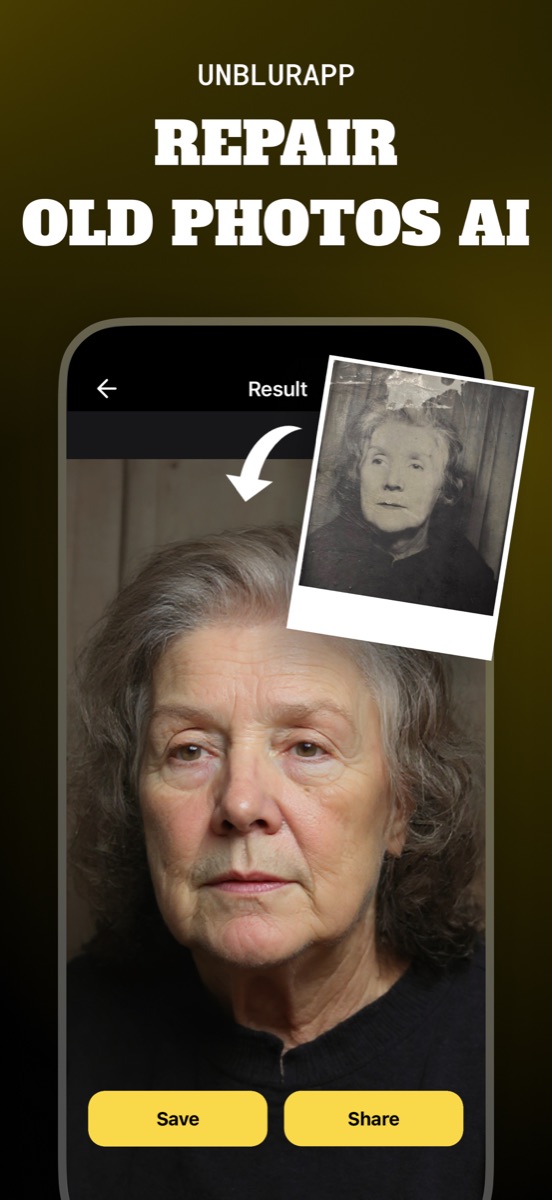
Repair rebuilds the tonal range rather than simply raising contrast, which matters because a contrast slider crushes what little shadow detail survives. Run it before any colour work: colorizing or colour-correcting a flat scan produces flat colour.
The tool for this is Restore old photos.
Practical notes
- Photograph the print in soft daylight, since a faded print has little range left to lose to a harsh flash
- A yellowed or orange cast is dye failure, not lighting, and the tool treats it as such
- Prints stored in a box usually fade far less than framed ones, so check the box before restoring the wall copy
Questions
Why do old photos turn orange?
The dye layers degrade at different speeds and cyan usually fails first, leaving the warmer layers dominant. It is chemical ageing in the print, not a problem with your capture.
Can a completely washed-out photo be recovered?
Partly. If any tonal variation survives, contrast recovery has something to work with. Where the image has faded to an even blank, there is nothing left to rebuild.
Going deeper
How to fix old photos explains the method behind this, including what it cannot fix.