
How to fix scratched photos
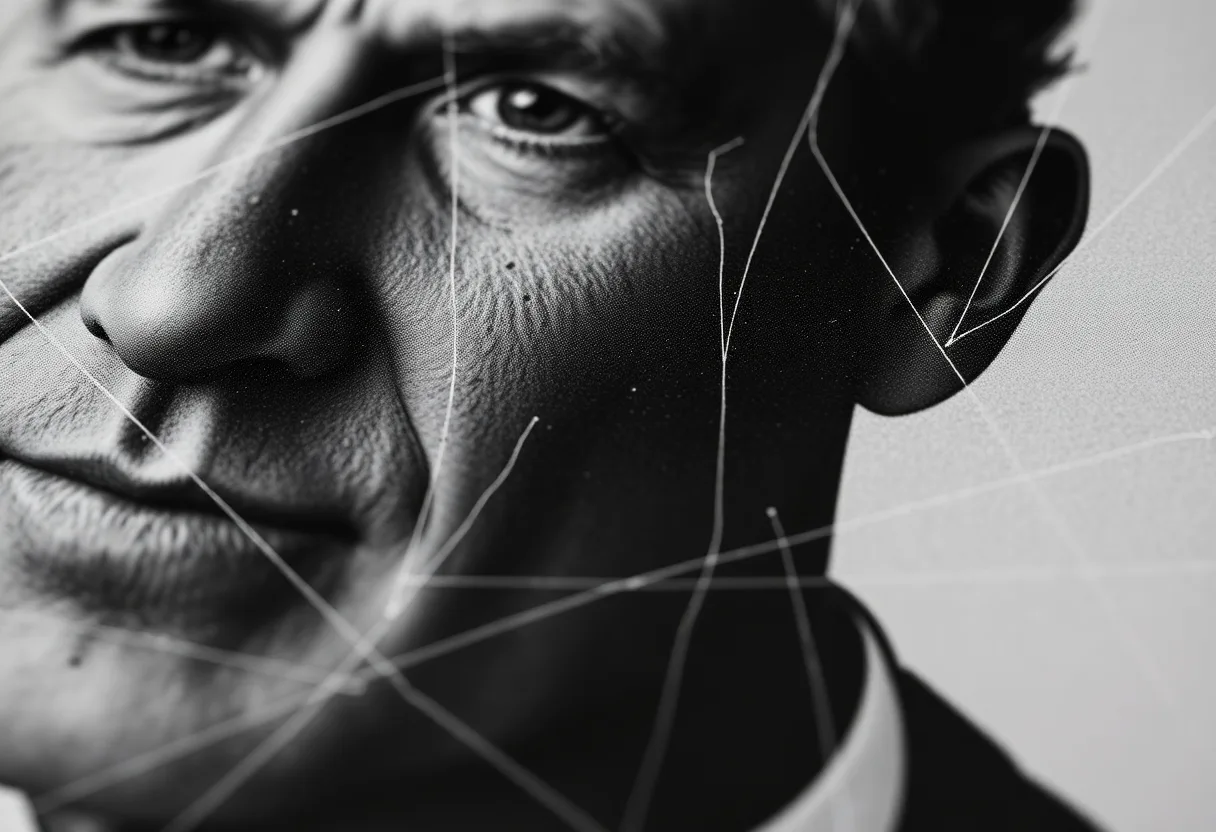
Fine scratches are the most fixable kind of photo damage. The image on either side of each line tells the repair tool exactly what belongs underneath, so most disappear in a single pass.
Why a scratch shows up white or black
A scratch is a groove cut into the surface. On a print, a scratch deep enough to cut through the image layer exposes the white paper underneath and shows as a bright line. A scratch on the negative works the other way round: it let extra light through when the print was made, so it shows on the print as a dark line. Shallow scuffs on a glossy print often only catch the light, and may vanish entirely with a better capture.
Getting a good capture
- Light the print from one side first, just to see which marks are real grooves and which are surface scuffs
- Then capture it with soft, even light from two sides, which flattens the scuffs so only real damage remains
- Shoot straight on and fill the frame, so each scratch is as many pixels wide as possible for the repair to work with
What to run, and in what order
Repair is the tool. A scratch is thin, and thin damage surrounded by intact detail is the easiest thing for an inpainting model to fill. A dense web of scratches across the whole print is harder, because there is less untouched image to borrow from, so check that kind of print more closely afterwards.
The tool for this is Repair a damaged photo.

What to expect
Usually fixable. Isolated scratches across skies, walls and clothing usually disappear. A scratch through an eye or the corner of a mouth is rebuilt plausibly, so compare it with the original before printing.
Practical notes
- Do not polish, wax or fill scratches on the print itself; the digital fix can be undone and the physical one cannot
- If you have the negative, capture that as well, since its scratches may sit in different places from the print’s
- On silk or lustre paper, angle the light so the texture does not read as hundreds of tiny scratches
Questions
How do I remove scratches from old photos?
Photograph the print in even light, then run a repair tool that fills each scratch from the surrounding image. Polishing or filling the print physically can make the damage permanent, so keep the fix digital.
Why are the scratches on my print black instead of white?
They were probably on the negative. A scratch in the negative lets extra light through during printing, which shows as a dark line on the print. The digital repair works the same way for either colour.
Going deeper
How to fix old photos explains the method behind this, including what it cannot fix.