
How to fix old yellowed photos
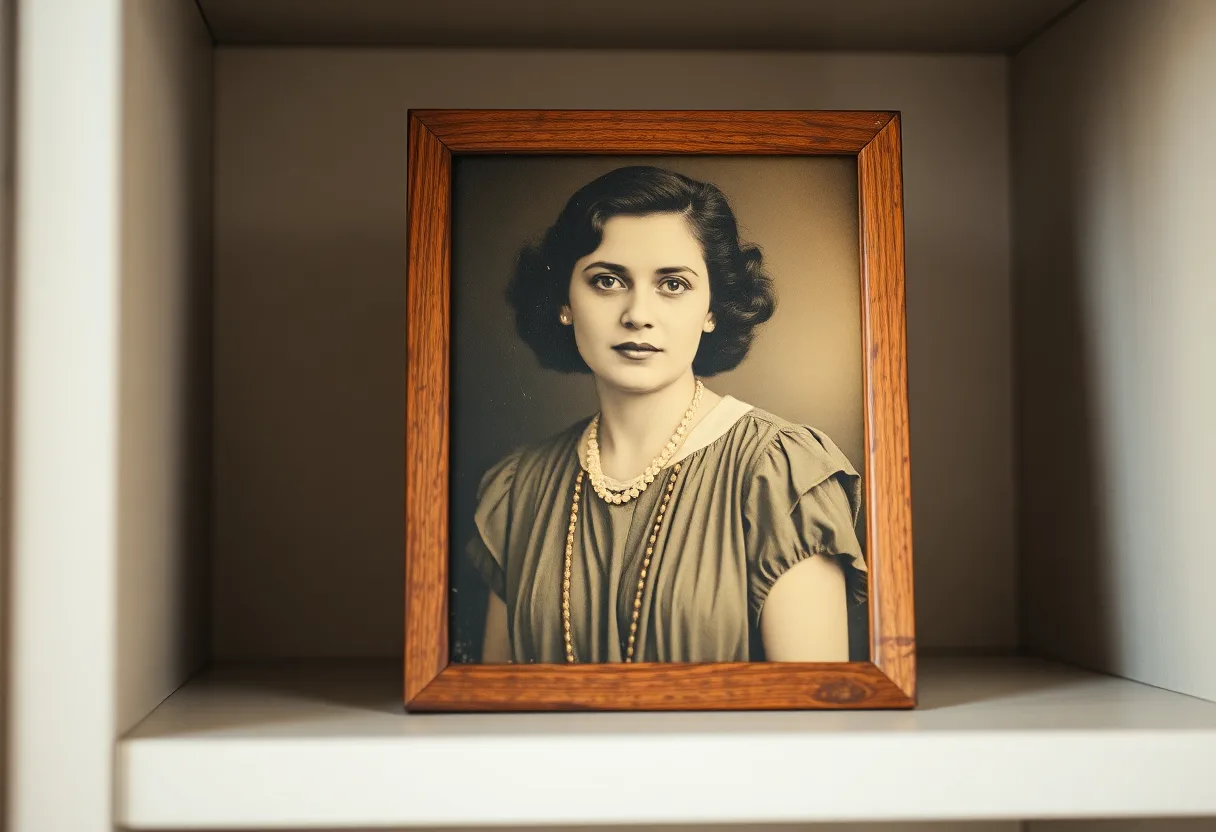
Yellowing is chemistry, not dirt, so it does not wash off. It corrects well on a digital copy, because the picture underneath the cast is usually still intact.
Why prints turn yellow
Black and white prints yellow for two main reasons: processing chemicals left in the paper by hurried washing, and decades of contact with acidic album pages, cardboard and polluted air. Colour prints yellow differently. Their three dye layers fade at different speeds, and when the cyan layer goes first the whole picture drifts yellow or orange. Either way, the cast is usually strongest at the edges and wherever the print touched card or adhesive.
Getting a good capture
- Photograph it in daylight, not under warm indoor bulbs, which add their own yellow on top
- Put a sheet of white paper at the edge of the frame as a reference for what white should look like
- Leave the camera’s filters off and capture the cast as it is; correcting it twice causes banding
What to run, and in what order
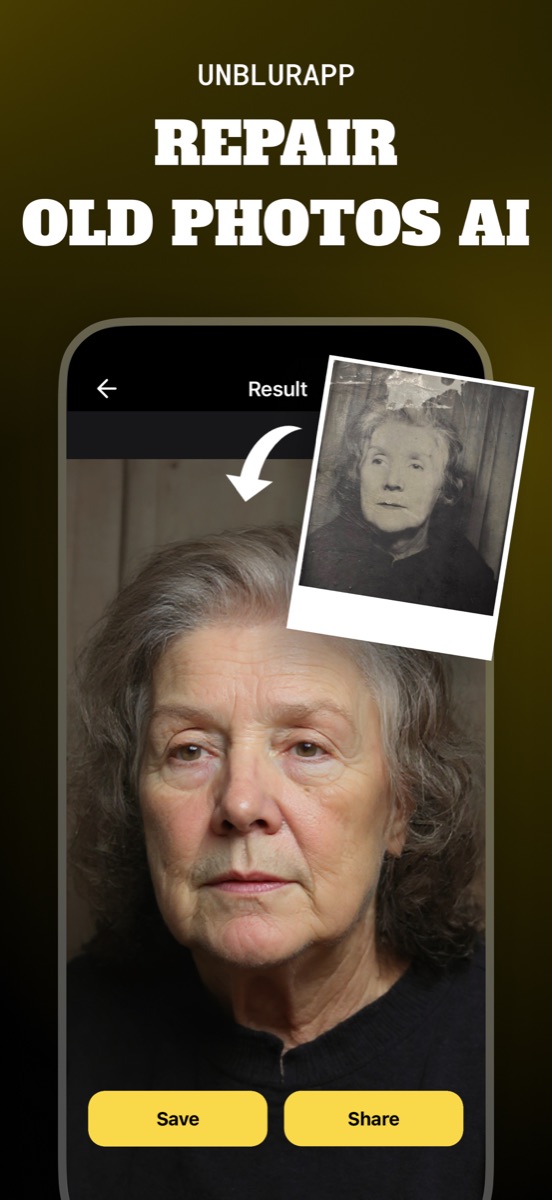
Repair removes the cast and rebuilds the tonal range in the same pass. On a black and white print the aim is neutral greys; on a colour print it has to put the missing cyan back without turning the whole image blue. If you plan to colorize a yellowed black and white photo, correct it first, or the colorizer reads the yellow as information about the scene.
The tool for this is Restore old photos.
What to expect
Usually fixable. Even, overall yellowing corrects well. Patchy stains from tape or glue are harder, because the colour shift changes from one part of the frame to the next.
Practical notes
- Keep the original out of the light in an acid-free sleeve, because the yellowing keeps advancing
- Sepia toning is deliberate, not damage: decide whether to keep the warm tone before correcting it away
- If another print from the same roll exists, compare them; one may have aged far less
Questions
How do I remove the yellow tint from an old photo?
Correct it on a digital copy. Photograph the print in daylight, then run a restoration pass that neutralises the cast. Cleaning the print does nothing, because the yellow is in the paper and the image layer, not on the surface.
Is a sepia photo the same as a yellowed one?
No. Sepia is a toning process applied on purpose, usually giving an even brown. Yellowing is uneven ageing. A restoration can keep a sepia tone or remove it, so decide which you want first.
Going deeper
How to fix old photos explains the method behind this, including what it cannot fix.