
How to restore old photos on Android
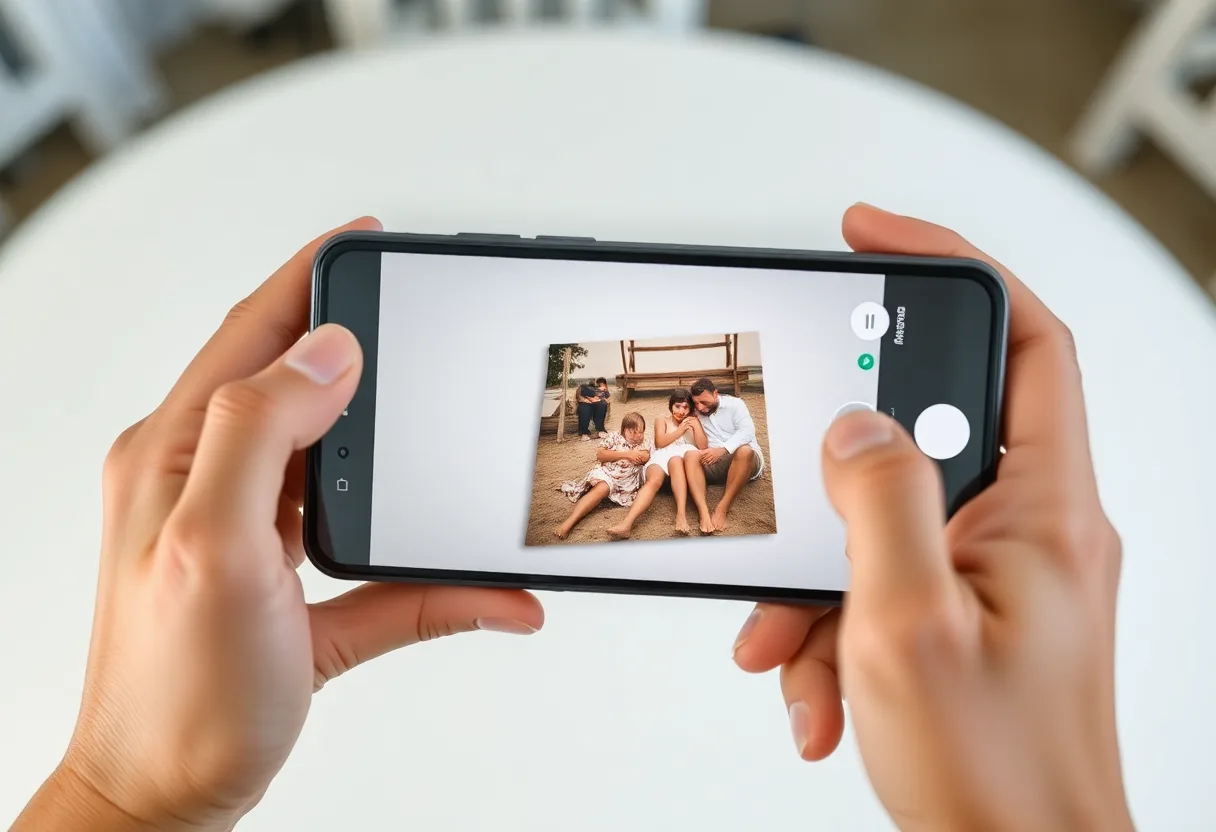
Capture the print carefully, use Google Photos for free quick fixes, and switch to a restoration app for scratches, tears, fading and faces, which Google Photos is not built to repair.
Free tools already on most Android phones
Google Photos comes installed on most Android phones, and its editor covers the basics.
- Capture the print
Shoot it flat near a window with the flash off, filling the frame. Tilt a glossy print a few degrees away from the light to lose the reflection.
- Open it in Google Photos and tap Edit
The Enhance suggestion applies an automatic tone and colour correction in one tap.
- Try Unblur
Under Tools, Unblur sharpens soft detail on phones that meet Google’s requirements.
- Crop, adjust, save a copy
Straighten with Crop, fine-tune brightness and warmth under Adjust, then choose Save as copy to keep the original.
Where it stops. Google Photos improves recent, mildly soft pictures. It has no dedicated scratch, crack or tear repair, its Unblur is tuned for mild blur rather than faded prints, and it does not enlarge an image for printing.
Glare on glossy prints
Glare is the most common problem with phone captures, because most prints from the 1970s on have a glossy finish. Google’s PhotoScan app was built for exactly this: it takes several shots from slightly different positions and merges them to remove reflections. If it is not offered for your phone, tilting the print slightly away from the window does most of the same job.
Samsung, Pixel and other brands
Samsung phones add Remaster picture in their own Gallery app, covered on the Samsung page. Pixel phones got Unblur first. Other brands vary, but every Android phone can run Google Photos, so the steps above work across all of them.
When a dedicated app is the better route
Use a restoration app when the photo has physical damage, has faded to grey or orange, has small faces you want back, or needs printing larger than the original. Those are reconstruction jobs, and Google Photos is built for adjustment.
The tool to start with is Restore old photos.
Questions
What is the best free way to restore old photos on Android?
Capture the print carefully, then use Google Photos for Enhance, Unblur and colour adjustments. It is free and handles mild problems. Damage and heavy fading need a dedicated restoration app.
Does Google Photos remove scratches from old photos?
No. Its editor adjusts tone, colour and sharpness, but it has no dedicated scratch or crack repair. A restoration tool fills damage from the surrounding image.
Going deeper
How to restore old photos covers the method in more depth, including the cases no tool can fix.