
How to restore old photos on iPhone
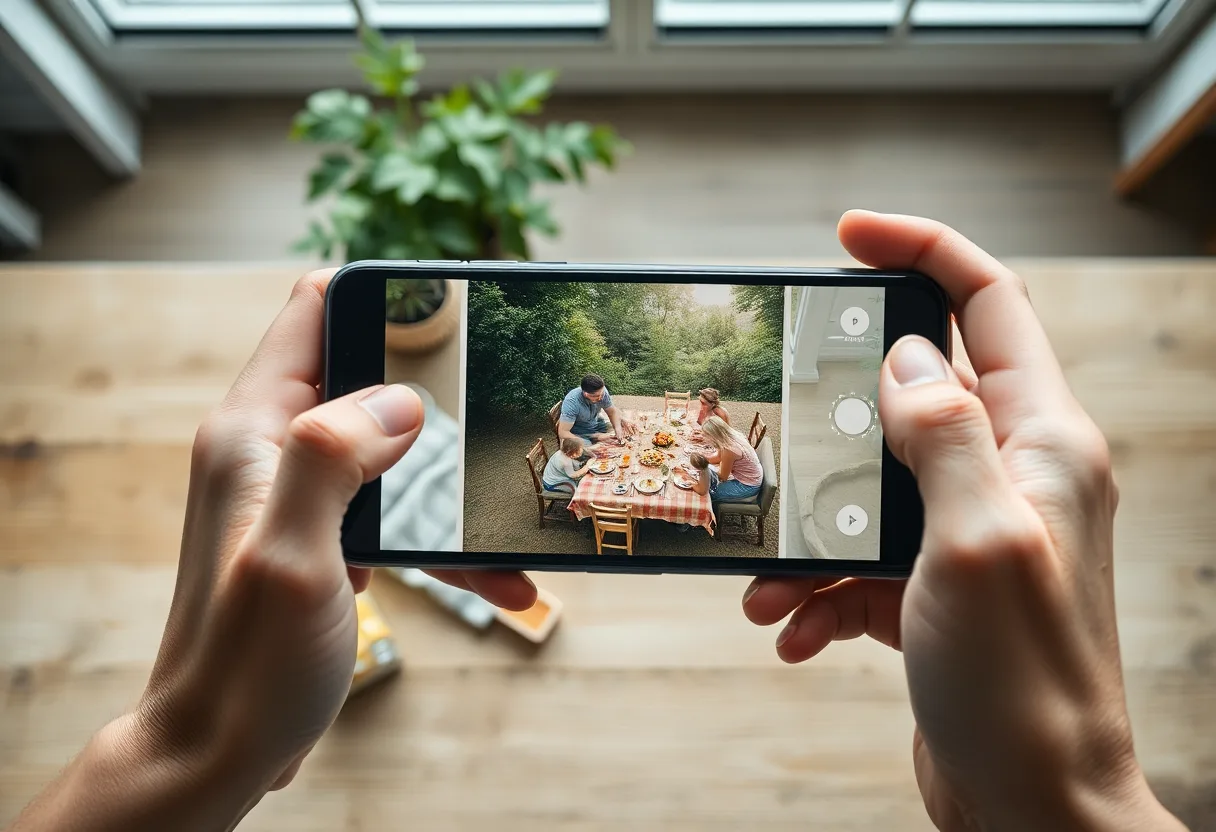
Photograph the print with the iPhone camera in soft daylight, use the Photos editor for quick tone fixes, and use a restoration app for fading, damage and resolution, which the built-in editor cannot rebuild.
What the iPhone can do on its own
iOS has no restoration tool, but it handles the capture well and covers basic tone correction.
- Capture the print
Lay the photo flat near a window, turn the flash off and shoot from directly above. Use the 2x lens if your iPhone has one, which avoids distortion at the edges.
- Straighten and crop
In Photos, tap Edit, then Crop. The perspective controls correct a capture taken slightly off-angle.
- Fix the tones
Under Adjust, try Auto first, then Exposure, Contrast and Warmth. Lowering Warmth reduces a yellow cast.
- Keep the original
Edits in Photos are non-destructive, and Revert returns to the untouched capture at any time.
Where it stops. The Photos editor changes tones. It cannot fill a scratch, close a tear, rebuild a faded face or add resolution. Its Sharpness and Definition sliders raise edge contrast, which on an old print also sharpens the grain, dust and cracks.
The Notes scanner or the camera
The document scanner in Notes and Files straightens perspective automatically, which helps with a print that will not lie perfectly flat. Its default filters are tuned for paper documents, so switch the filter to Photo before scanning, and compare the result with an ordinary camera shot before you capture a whole box.
Sharing restored photos with family
Put restored pictures in a Shared Album, or send an iCloud link, so relatives receive the full-resolution file. Sending them through a chat app compresses them, and to Android phones without RCS they arrive as small MMS images.
When a dedicated app is the better route
Move to a restoration app when the problem is physical damage, heavy fading, a face that has gone soft, or a print too small to frame. The app reads the same capture from your camera roll, rebuilds what the Photos editor can only adjust, and exports at up to four times the resolution.
The tool to start with is Restore old photos.
Questions
Can you restore old photos with an iPhone?
Yes. The iPhone camera captures the print well, and a restoration app does the repair. The built-in Photos editor helps with tone and cropping but cannot fix scratches, tears or lost detail.
Is the Notes scanner good for old photos?
It works, and it corrects perspective automatically. Set its filter to Photo rather than a document mode, and compare it with a normal camera shot, since the scanner can raise contrast.
Going deeper
How to restore old photos covers the method in more depth, including the cases no tool can fix.